
Click to download now, finish the installation quickly, and directly unlock the all-round experience
Screenshots
Click to download now, finish the installation quickly, and directly unlock the all-round experience
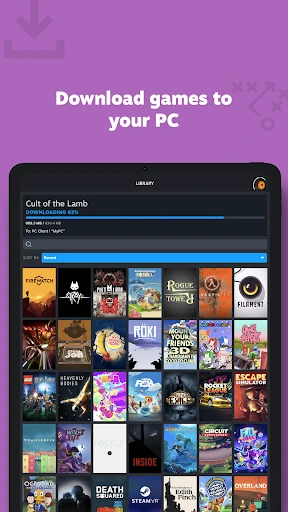
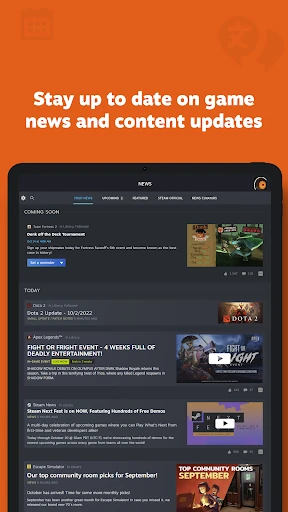
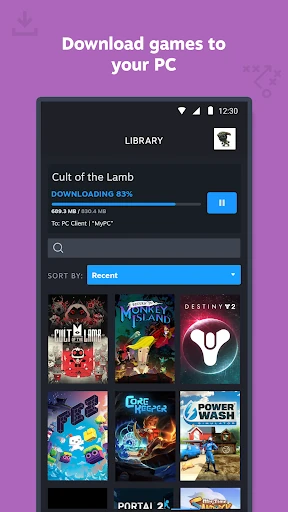
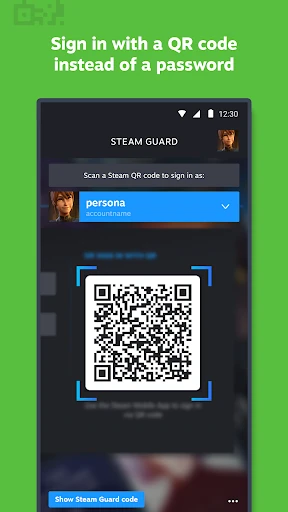
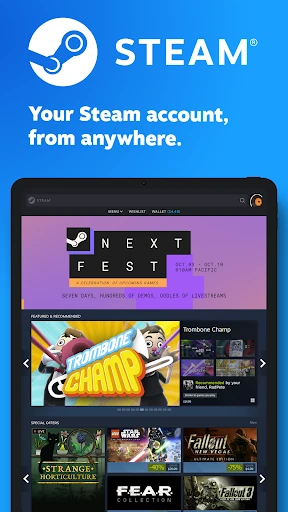
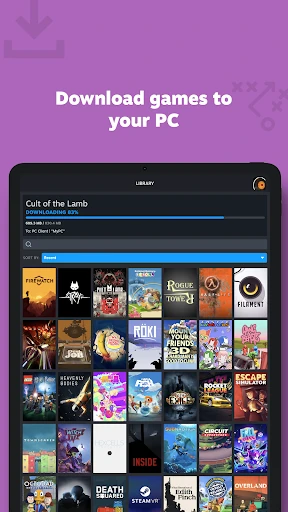
Steam remains the undisputed titan of the PC gaming landscape, and its mobile companion app has evolved into an essential extension of that ecosystem. Beyond its core function as a security gateway, the app serves as a comprehensive portal for the Entertainment category, merging e-commerce, social networking, and remote hardware management. It is a sophisticated bridge that ensures the user's digital library and community are never out of reach, maintaining professional-grade security without sacrificing accessibility.
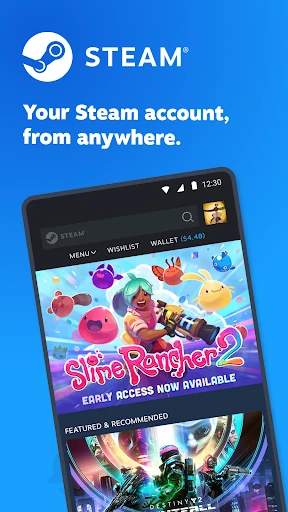
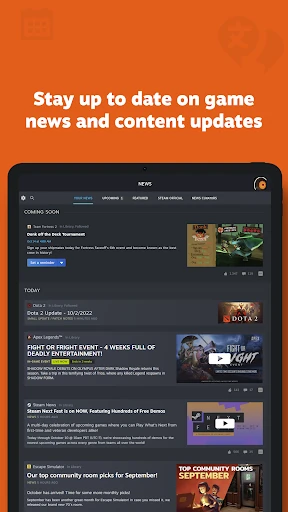
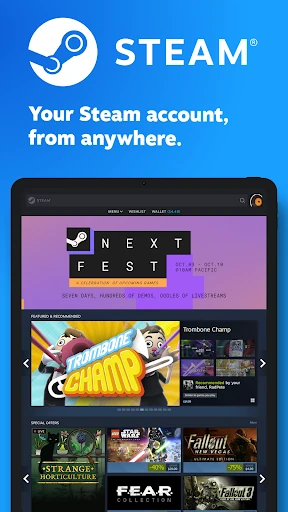
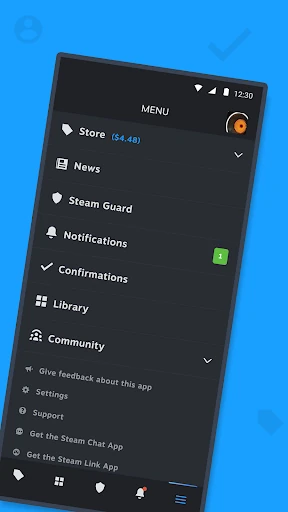
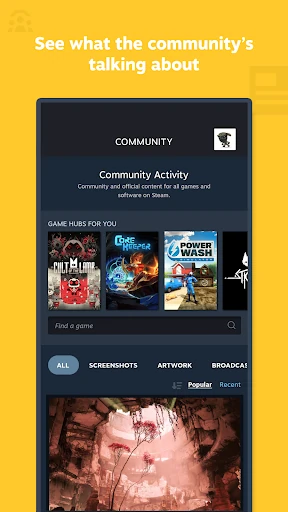
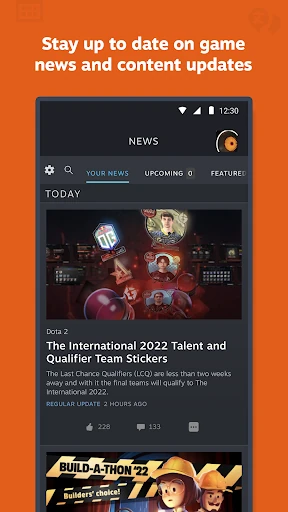
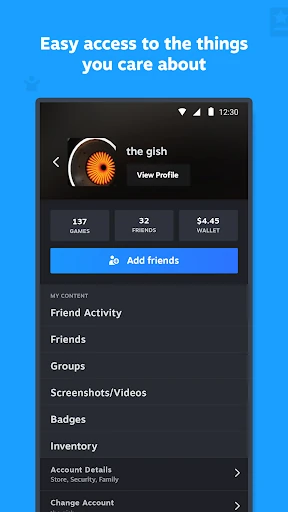
The Steam mobile interface has undergone a significant modernization, shifting toward a more fluid and intuitive layout that mirrors the desktop client's contemporary aesthetic. The UI focuses on readability and reachability, featuring a customizable navigation bar that allows users to prioritize the tools they use most, such as the Store or the Steam Guard. While much of the app feels native and responsive, certain community and workshop sections still rely on web-view elements, which can occasionally result in a slight performance dip compared to the primary navigation pages.
The next iteration of the Steam app should focus on deeper native integration for the Workshop and Community forums to eliminate the stutter often associated with web-based rendering. Additionally, re-integrating basic messaging functionality or providing a more seamless transition between the main app and the Steam Chat app would greatly improve the social user experience. Finally, optimizing the inventory browser for faster loading of large collections would be a significant quality-of-life update for power users and traders.
The Steam mobile app is an indispensable tool for the modern PC gamer. It is designed specifically for active Steam users who value account security and want to stay connected to their digital gaming community and library while on the go. Whether you are a casual player tracking your wishlist sales or a power user managing a massive inventory, this app is a mandatory download. It remains the benchmark for desktop-to-mobile companion applications in the entertainment sector.